
Introduction
A mobile not charging problem is one of the most common issues smartphone users face. It can be frustrating, especially when your phone battery is completely drained.
In this guide, we will explain the main reasons why your phone is not charging and provide easy solutions you can try at home before visiting a repair shop.
⚠️ Common Reasons Why Your Phone Is Not Charging
1. 🔌 Faulty Charging Cable or Adapter
A damaged cable or adapter is the most common reason.
2. 🧹 Dirty Charging Port
Dust and dirt inside the charging port can block proper connection.
3. 🔋 Battery Issues
Old or damaged batteries may stop charging properly.
4. ⚙️ Software Problems
Sometimes, software bugs can interrupt charging.
5. 🔧 Hardware Damage
Internal motherboard or IC issues can also cause charging failure.
🛠️ Step-by-Step Solutions to Fix Charging Problem
✅ 1. Check Your Charger
- Try a different USB cable and adapter
- Use an original or high-quality charger
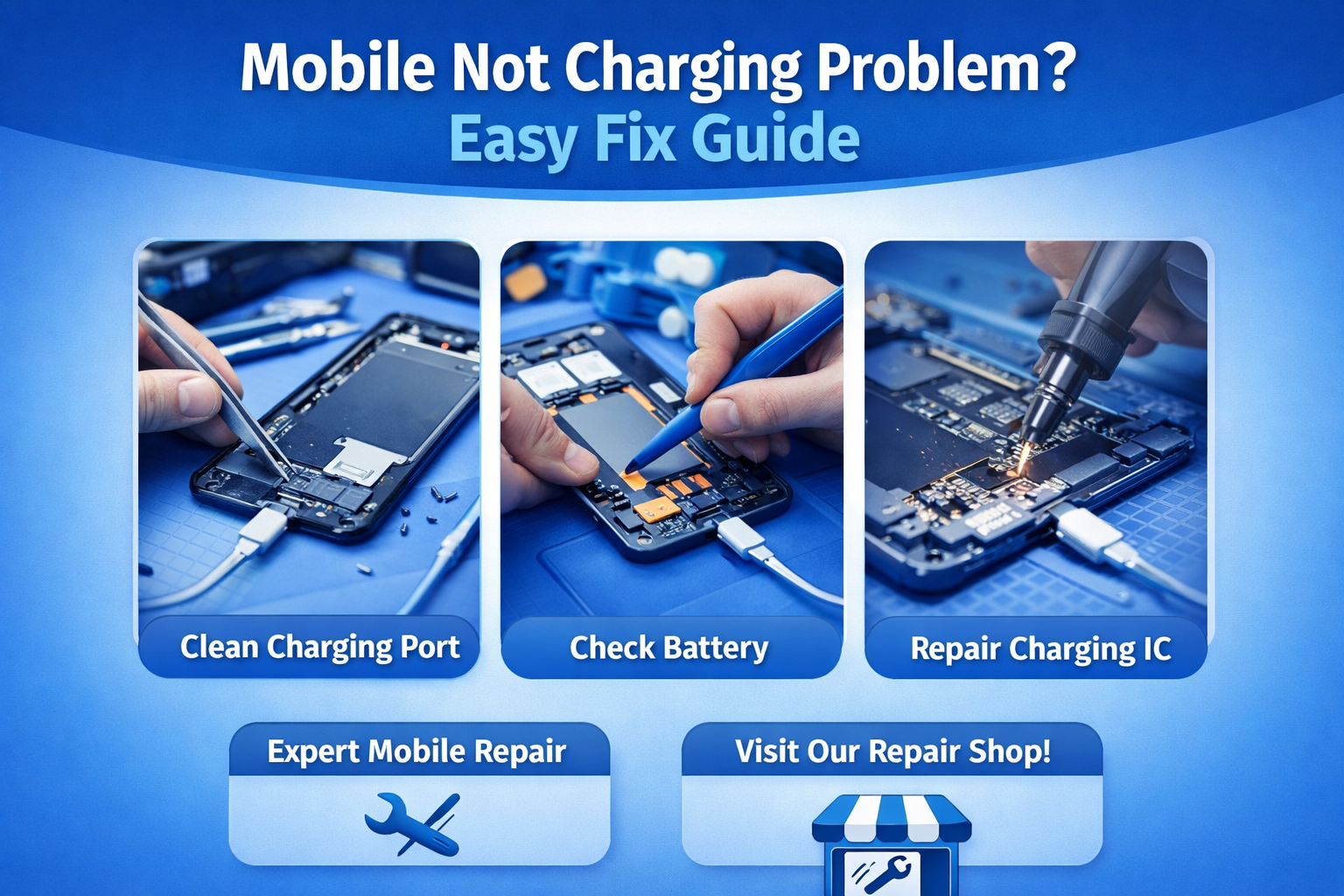
✅ 2. Clean the Charging Port
- Use a soft brush or toothpick
- Remove dust carefully
✅ 3. Restart Your Phone
- A simple restart can fix minor software issues
✅ 4. Check Power Source
- Try a different socket or power bank
✅ 5. Update Software
- Go to settings and update your phone
- Fixes bugs related to charging
✅ 6. Check for Battery Damage
- If battery drains fast or heats up → replace it
🚨 When to Visit a Repair Shop?
If your phone still isn’t charging, it may have:
- Charging IC problem
- Motherboard issue
- Internal hardware damage
In this case, it’s best to visit a professional mobile repair shop.
🏪 Expert Mobile Repair in Rampur
If you are facing a mobile charging issue, visit GRM Repairing Care.
We provide:
✔ Fast diagnosis
✔ Affordable repair services
✔ High-quality parts
✔ Expert technicians
📞 Call: 8449465914
📧 Email: grmrepairingcare@gmail.com
💡 Tips to Avoid Charging Problems
- Always use original chargers
- Avoid overcharging
- Keep charging port clean
- Don’t use phone while charging
🏁 Conclusion
The mobile not charging problem can often be fixed with simple steps like checking the charger or cleaning the port. However, if the issue is serious, professional repair is the best solution.
By following the above tips, you can save time, money, and avoid bigger damage to your device.
No responses yet